You will need: a tune open in the editor. Edit a tune shows how.
-
1
Make a triplet
Choose Tools, then Make Triplet, and taptapclick three notes on the same stave and in the same bar. The triplet forms on the third.
Three notes of the same length take the time of two: three quavers fill a crotchet. Notes of different lengths work when they add up to a single note value. Otherwise Can't Make Triplet says why. Break Apart Triplet turns a selected triplet back into separate notes.
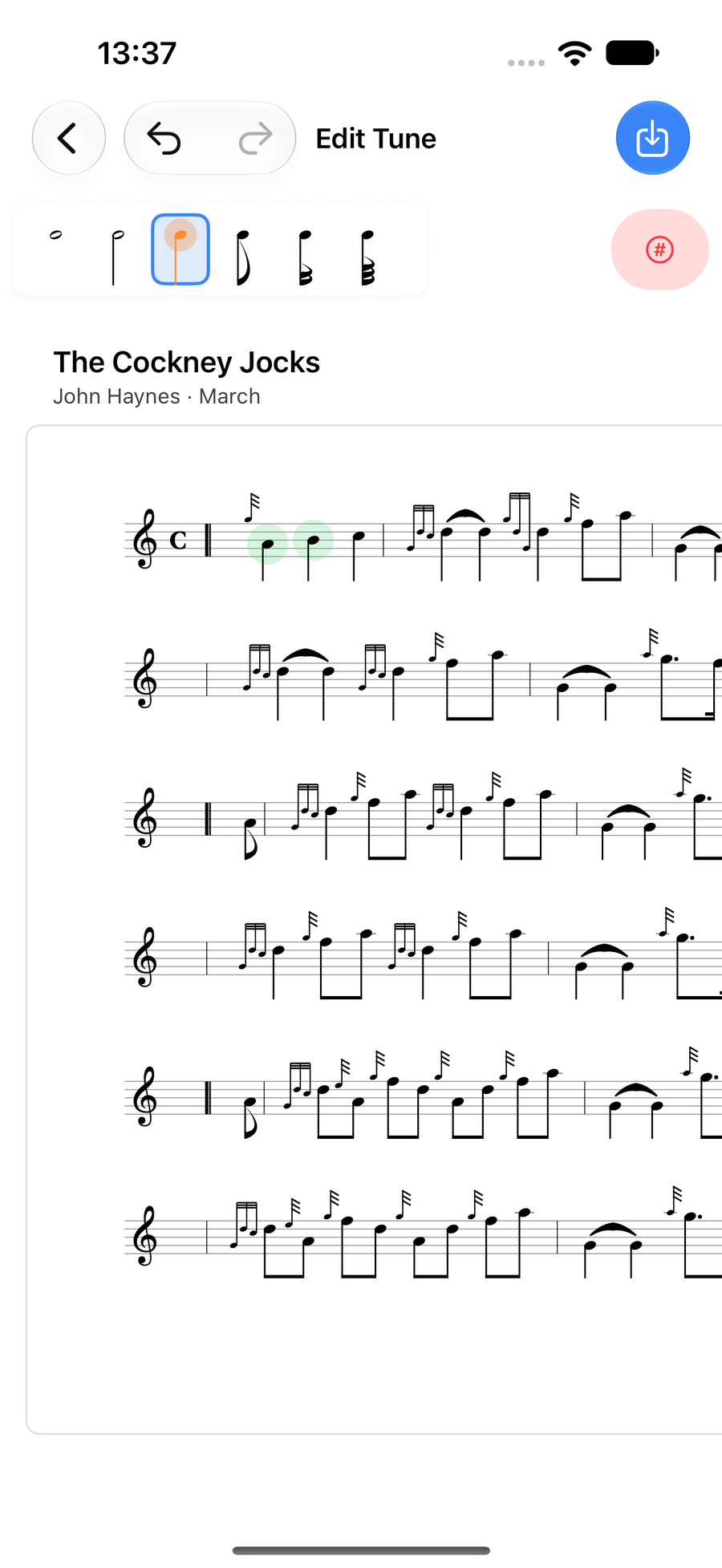
Making a triplet, with two of its three notes chosen -
2
Select a range
Choose Tools, then Select Range, and taptapclick the first note and then the last. The bar at the foot of the score raises or lowers every note, makes them all longer or shorter, or cuts, copies or deletes the lot.
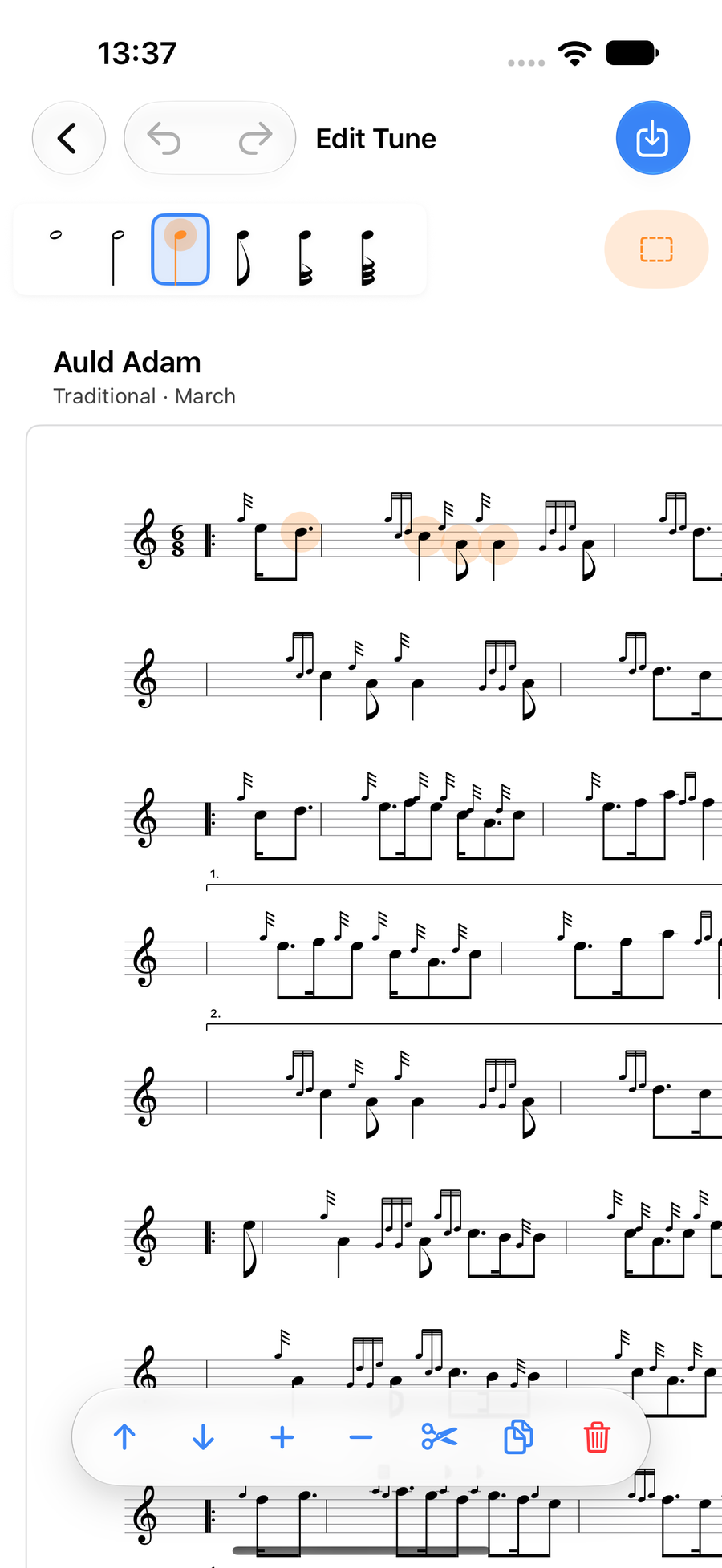
A range of notes selected, with its actions -
3
Paste it anywhere
After you cut or copy, a banner says how many notes are waiting: taptapclick a bar to paste them there. Each copy pastes once.
The notes wait while you open another tune, so you can copy a phrase from one tune and paste it into the next. The banner's × cancels the paste.
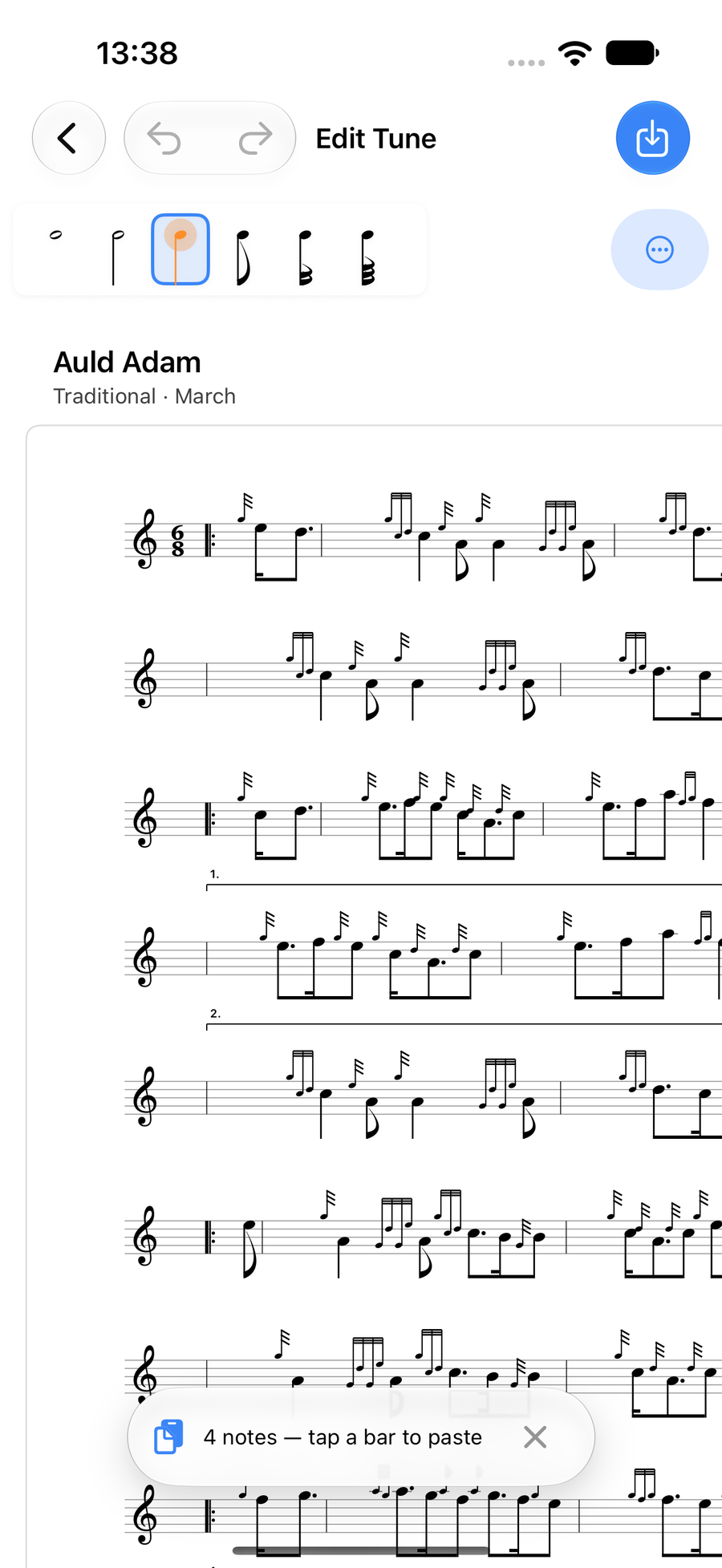
Copied notes waiting to be pasted
Next
- Notes and lengths: select, add, move and type notes.
- Gracenotes and embellishments: the double-tap, the wheel and your own runs.
- Ties, slides, rests and accidentals: the row of marks above a note.