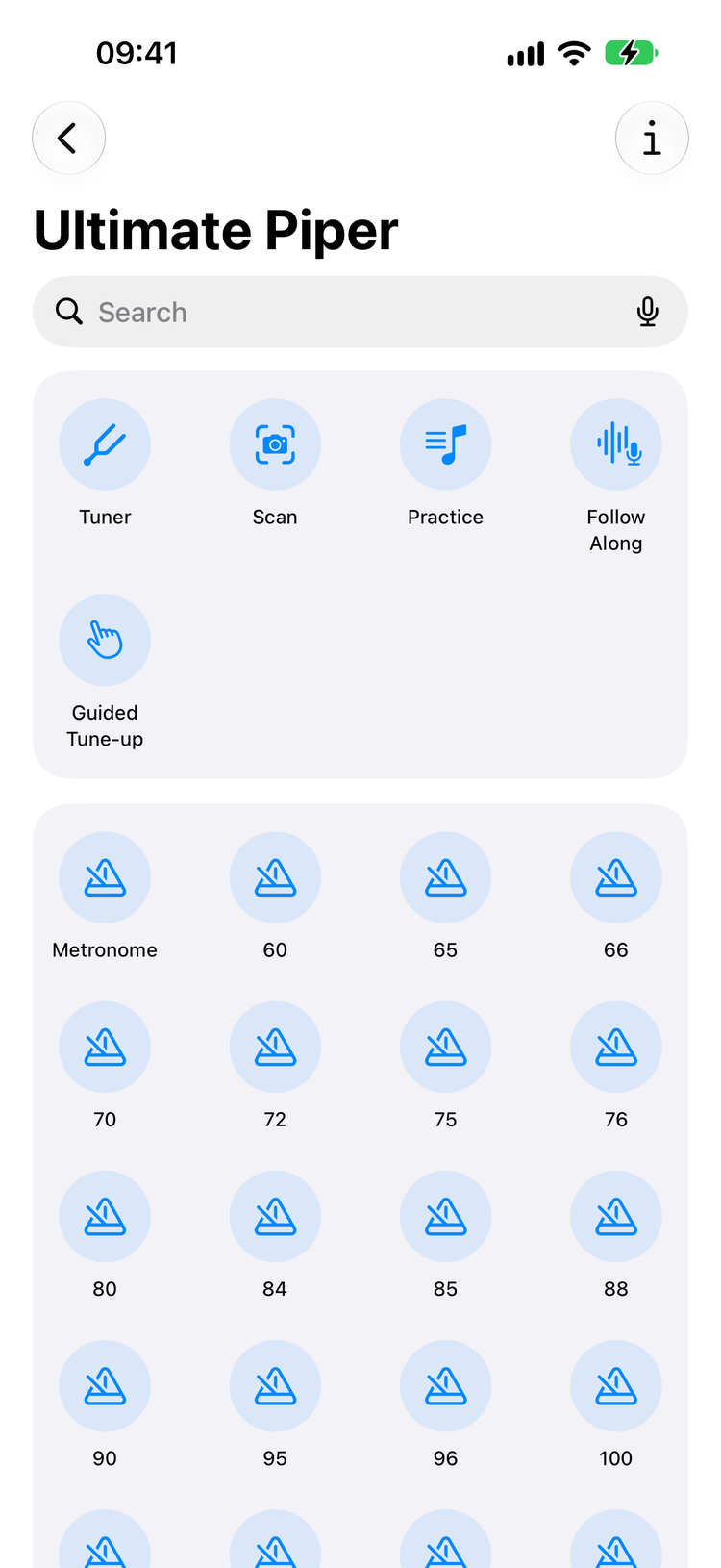
Ultimate Piper's commands in the Shortcuts app

Hands full? Talk.

A piper's hands are busy. Ask Siri for the tuner while you strike in, set the metronome to 84 as you settle the bag, or call up the next tune with the pipes still on your shoulder. Every command works whether the app is closed or already open on another screen, on iPhone, iPad and Mac.

Every command is also a Shortcut, so you can chain them: a morning routine that opens the tuner, waits, then starts the metronome at your band's tempo. Your whole library is in Spotlight too: pull down, type a few letters, tap, and the tune opens.

Tune up

Open the tuner listening, or go straight to the guided tune-up that takes the drones one at a time.

Metronome

Start it, set the tempo in the same breath, or stop it. Say the bare number: every five from 60 to 120, plus the pipe band tempos such as 66, 76, 84, 88, 96, 104, 108, 112 and 116.

Ask for a time signature in the Shortcuts app; a spoken “in 6/8” is on the list.

Tunes and sets

Name a tune and it opens or plays with the score following. In a set you can ask by position or by type.

Misheard a title? The app offers the nearest tunes. On the Mac, opening and playing a tune by voice is not there yet; use Spotlight or a Shortcut.

Stop

Pause keeps your place and Now Playing; stopping the app rewinds and silences the metronome too.

Practice and scanning

Start a session or point the camera at a score without touching the screen.

Scanning is iPhone and iPad only; the Mac imports PDFs and photos.

Search

Spoken searches go straight into your library, spelling mistakes and all.

A few things worth knowing

Say the tempo as a bare number, “at 84”, not “84 beats per minute”. Siri hears Gaelic titles unevenly; if it asks which spelling you meant, answer it. On iOS 27 and macOS 27, playing and opening a tune go through Siri's own music and open routes, and a recorded follow-along session ends with a rhythm report. On iOS 26 those stay out of sight and everything else works as listed.

Works on iPhone, iPad, Mac, and Apple Watch

All your tunes, folders, practice sessions, and settings sync seamlessly via iCloud.

Requires iOS 26, iPadOS 26, macOS 26, or watchOS 26. Siri's own music, open and search routes need iOS 27 or macOS 27.