You will need: a few tunes in your library. Rating them helps the app pick your warm-ups.
-
1
Start a session
Go to Practice and choose Start Practice Session. Your Tune of the Week and your Focus tunes are filled in for you, and the app suggests a few warm-ups from tunes you have not played for a while.
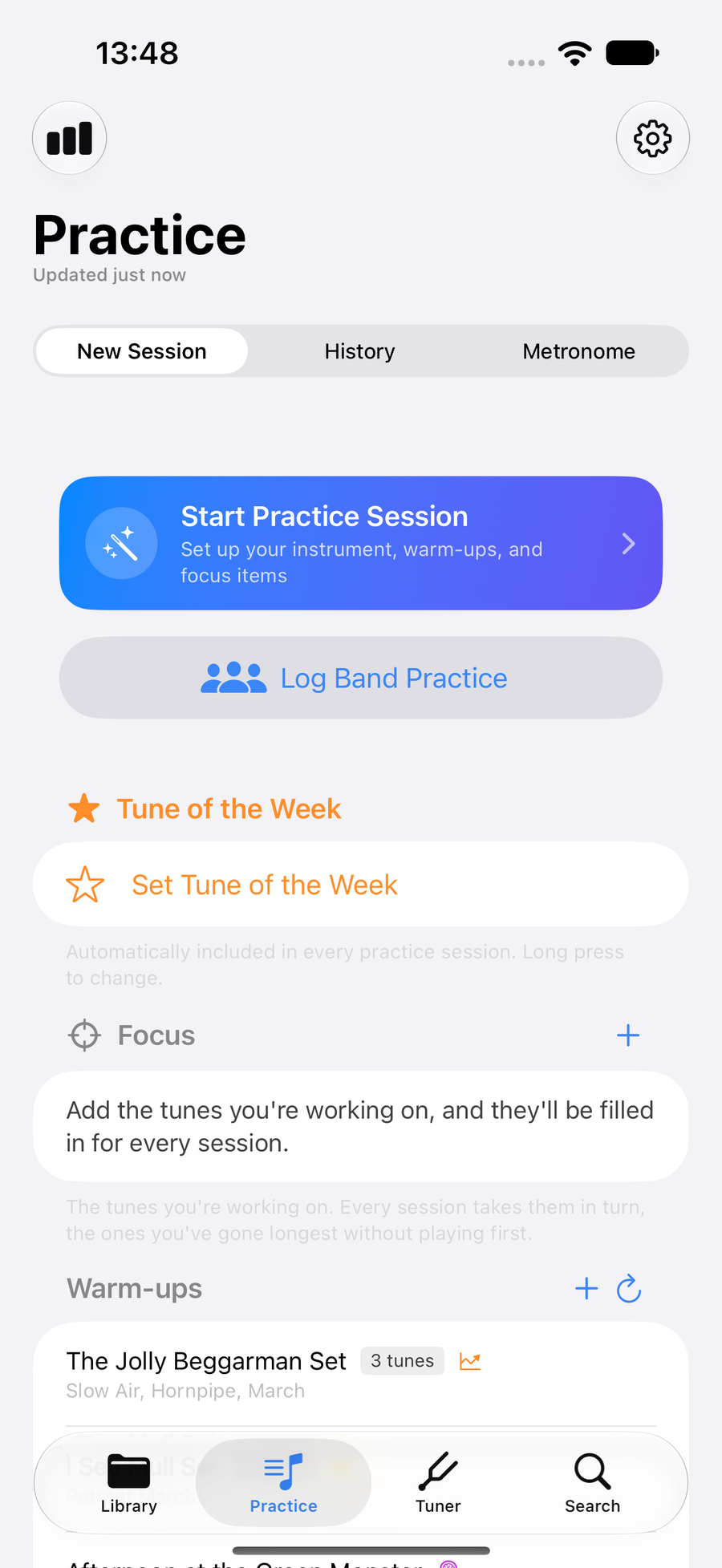
Practice, ready to start a session -
2
Say what you are playing
The setup asks four questions. The first is What are you playing?: Bagpipes, Practice Chanter, or Not specified. Follow Along and the Tuner use your answer.
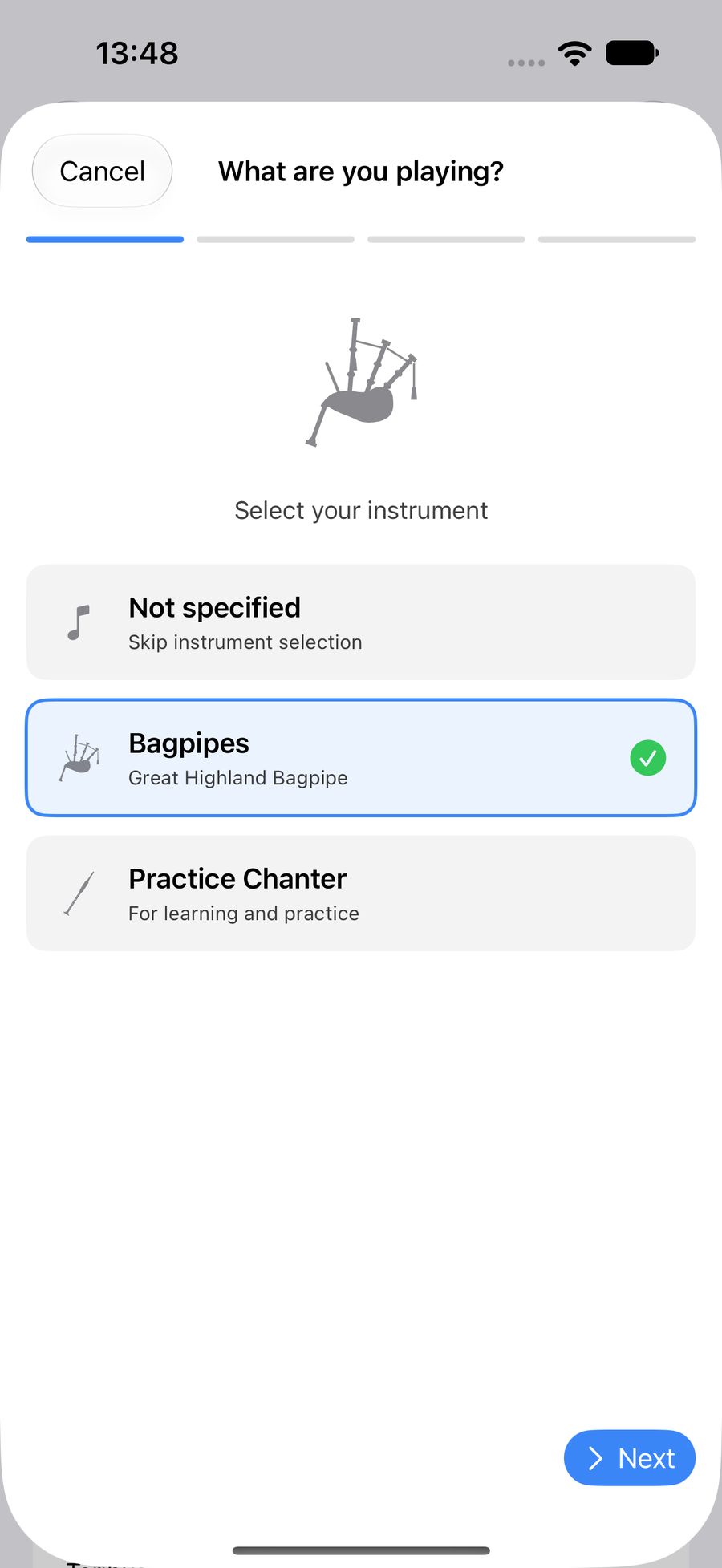
What are you playing?, with Bagpipes chosen -
3
Choose what to practise
Next comes What do you want to practise? Your Focus tunes are already there; Add more brings in any tune or set. Then the app reviews the session with its suggested warm-ups, and it is ready to go.
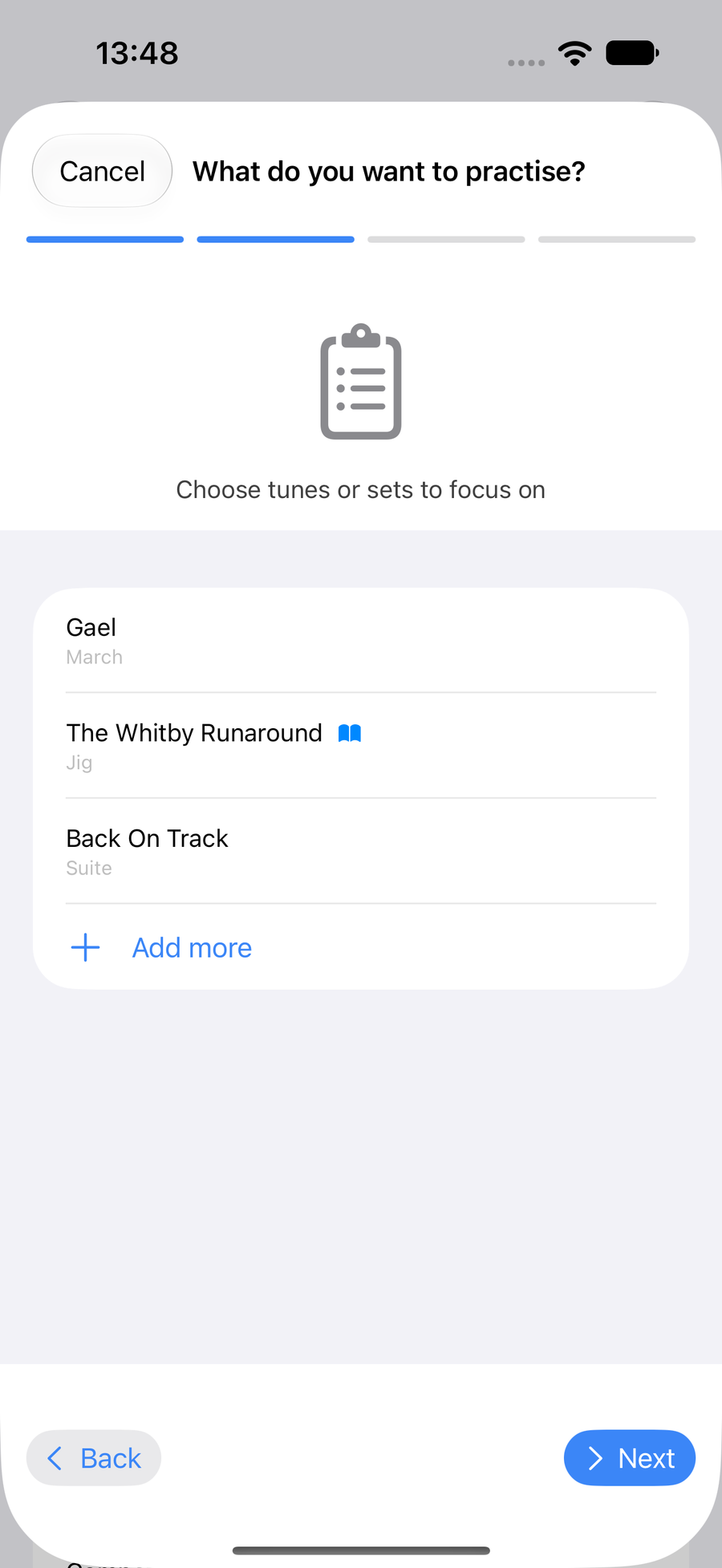
What do you want to practise?, with focus tunes -
4
Work through it
While the session runs, the bar at the top counts what you have done, such as 3/6. Tick each warm-up and focus item as you play it, and add a note to any of them. Pause stops the clock for a break, and End saves the session to your history.
Play the list in the order you like: tap Edit and drag the tunes into ordertap Edit and drag the tunes into orderdrag the tunes into order. Tick the tune you are playing and the next one still to do opens on its own; tick the last of them and the session summary appears.
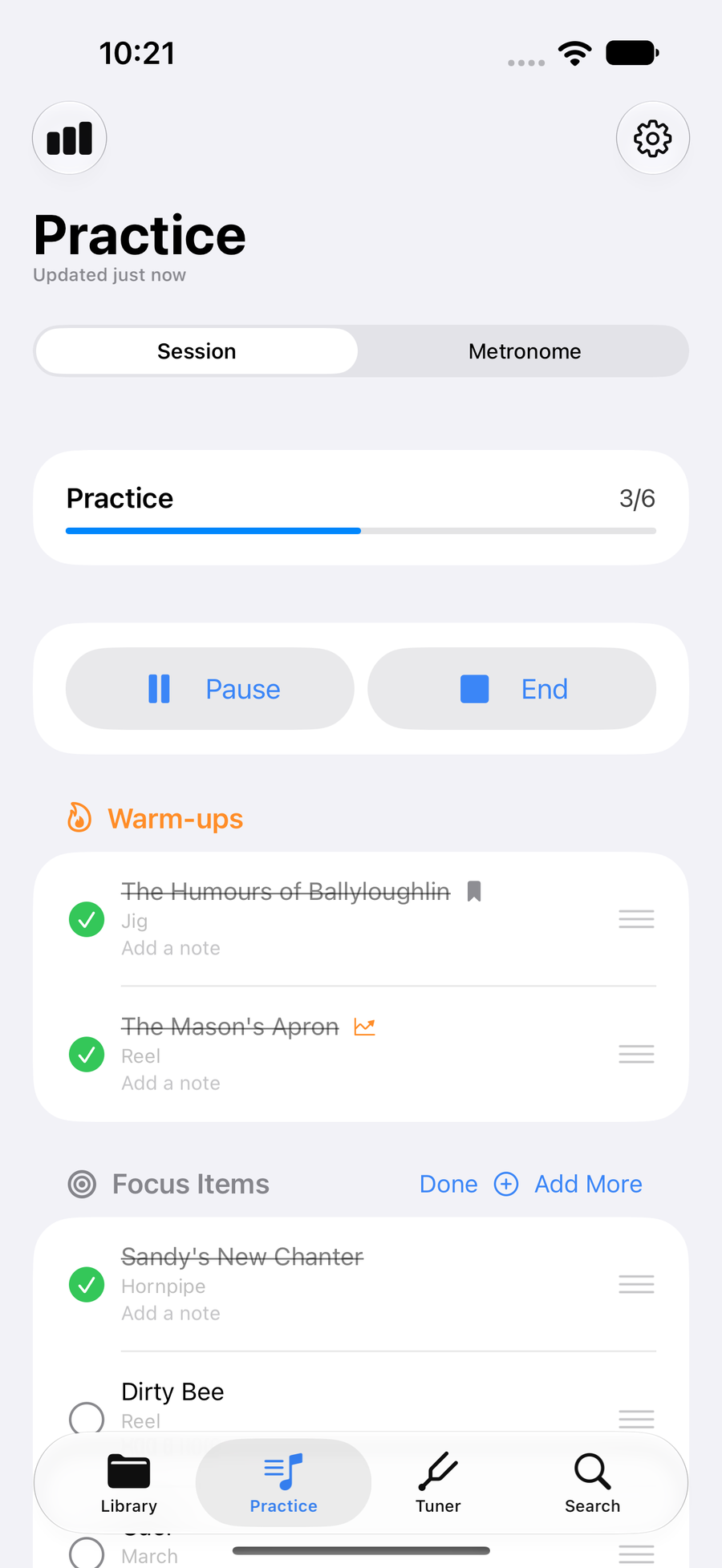
A session in progress, with the tunes ready to drag into order -
5
See your streak
Practice Insights opens with a calendar of the days you practised, shaded by how long, and your streak with your best. Below it are your sessions week on week, so you can see whether you are putting in more or less than last week.
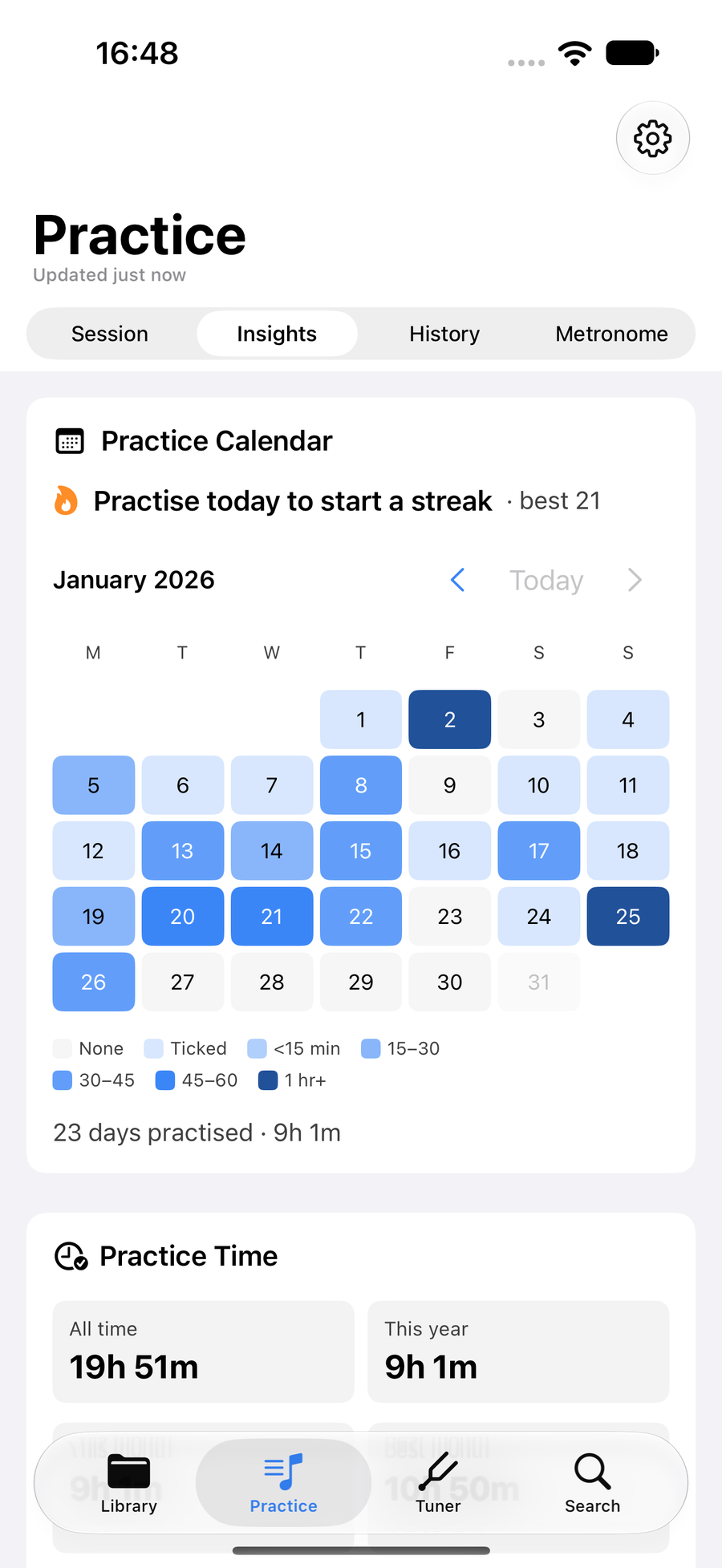
Practice Insights with its calendar and streak
Next
- Choose what you practise with Focus tunes and a Tune of the Week.
- See the bars you miss most in the tunes you practise.
- Read your Practice Insights for hours, habits, Follow Along skill and each tune's journey.